
Your company's knowledge,
with answers and sources you can check.
Bring data scattered across cloud drives, Excel, meeting minutes, and LINE groups into a knowledge base you can query through conversation. Connect it to a customer-facing service bot or use it as an internal HR and regulations assistant.
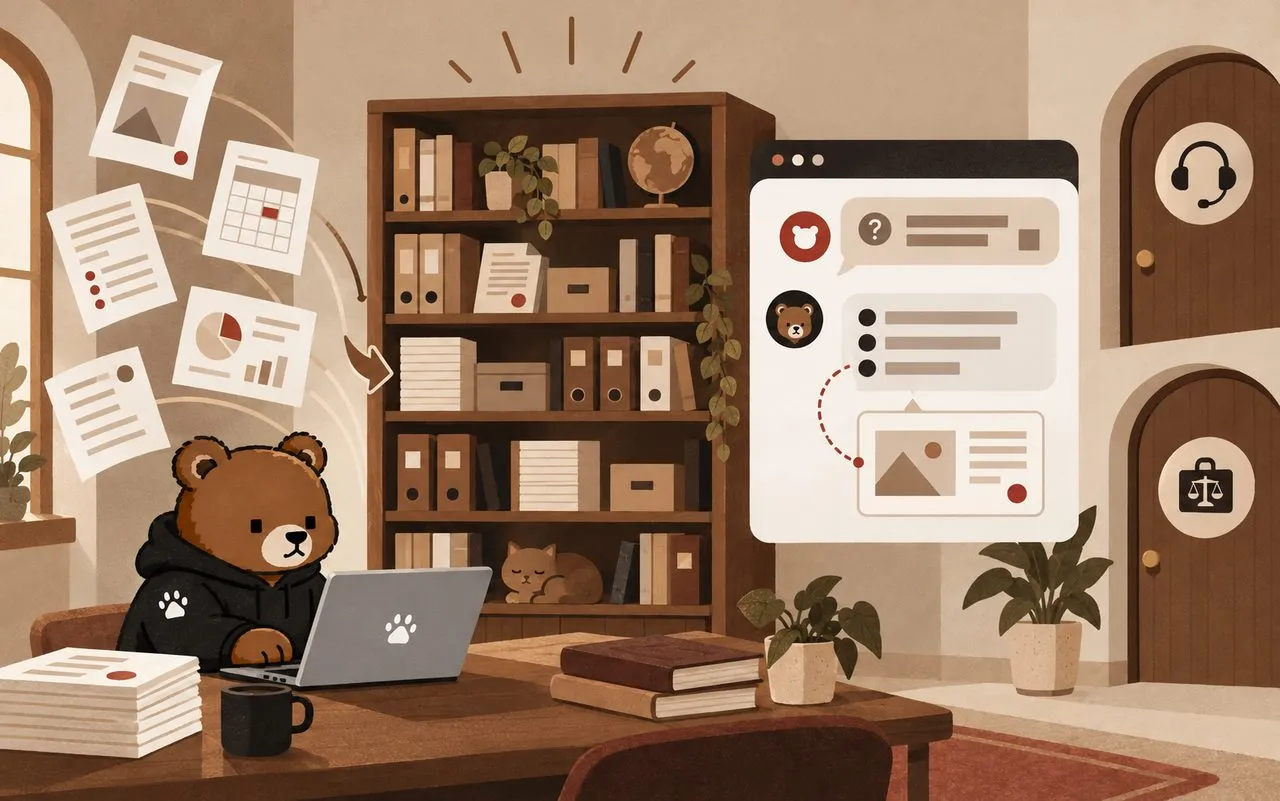
Core knowledge base capabilities
Upload documents and start searching
Upload company documents, meeting minutes, and LINE conversation exports for automatic chunking and indexing. Track the processing progress of each file.
Text goes to the knowledge base; numbers go to the database
The system automatically routes text such as descriptions and policies to the knowledge base, and numerical data such as reports and performance figures to the database. Questions about numbers are answered from the database, without letting AI estimate them.
Agentic RAG
It does more than a single retrieval. Based on the question, AI decides which knowledge base or table to query and whether to ask follow-up questions, then combines multiple sources before answering.
Answers with sources
Each answer identifies the documents and passages it cites, so you can click through and verify them.
Isolation by brand or department
Data for each brand, customer, or department is kept separate. People in group A cannot query group B's data.
Authentication and auditing
Record who queried what and when. Unauthorized accounts are always denied access; queries never run before authorization checks.
The two most common use cases
Knowledge base + customer service bot
- Organize product descriptions, FAQs, return and exchange policies, and shipping rules into a knowledge base. The bot answers according to those rules.
- Colleagues can ask internally how to respond to a customer in a given situation. The bot drafts a reply they can paste directly to the customer.
- Product assistant: answer questions about ingredients, specifications, and usage directly from product data.
- Make it available on your website, LINE Official Account, or internal Slack, and notify sales when someone shows purchase intent.
Knowledge base + HR and regulations bot
- Company policy bot: answer questions about leave, overtime, expense claims, and benefit applications using your company's policies, with references to the relevant provisions.
- Regulations bot: organize applicable regulations into a separate knowledge base, kept apart from company policies to avoid confusion.
- Colleagues ask questions in one-to-one LINE chats. Access is available only after their account is linked to their employee identity.
- New hires can look things up from day one without asking HR or experienced colleagues every time.
Implementation steps
Review your data
List the documents and tables to include, and decide who can query each one.
Build the knowledge base
Import, chunk, and index documents. Store numerical data in database tables.
Connect your channels
Choose the channels your users use most: your website, LINE, Slack, or internal tools.
Acceptance testing and tuning
Test with real questions, review answers and sources, and adjust until you can use it with confidence.
Related articles
Notes on problems and decisions from real projects, on our tech blog.
Start with one document
Send us a policy document or FAQ. We will build a version you can ask questions to.
Email us